Billiard hall QR ordering for table-side food and drink orders
Let customers order from their phone without losing staff control. CuePoint opens a live table menu from a printed QR code, sends orders to staff in real time, and adds confirmed items to the running table bill.
Free plan available. No credit card required.
Why table-side ordering slows down on busy nights
On busy nights, customers wait for staff just to order another drink or snack. Staff walk the floor, remember the request, return to the counter, and enter it into the POS. Every step adds delay, and every delay costs sales.
Generic QR ordering tools usually create a separate ordering channel. The order appears somewhere else, table context is missing, and the cashier still has to connect the sale back to the active table session. That defeats the point for billiard halls, where table time and orders need to stay on one bill.
Owners also need control. A customer-facing order should not automatically hit the bill if an item is out of stock, unavailable, or needs staff approval. Without approval, QR ordering can create more problems than it solves.
How CuePoint QR ordering connects customers, staff, and the bill
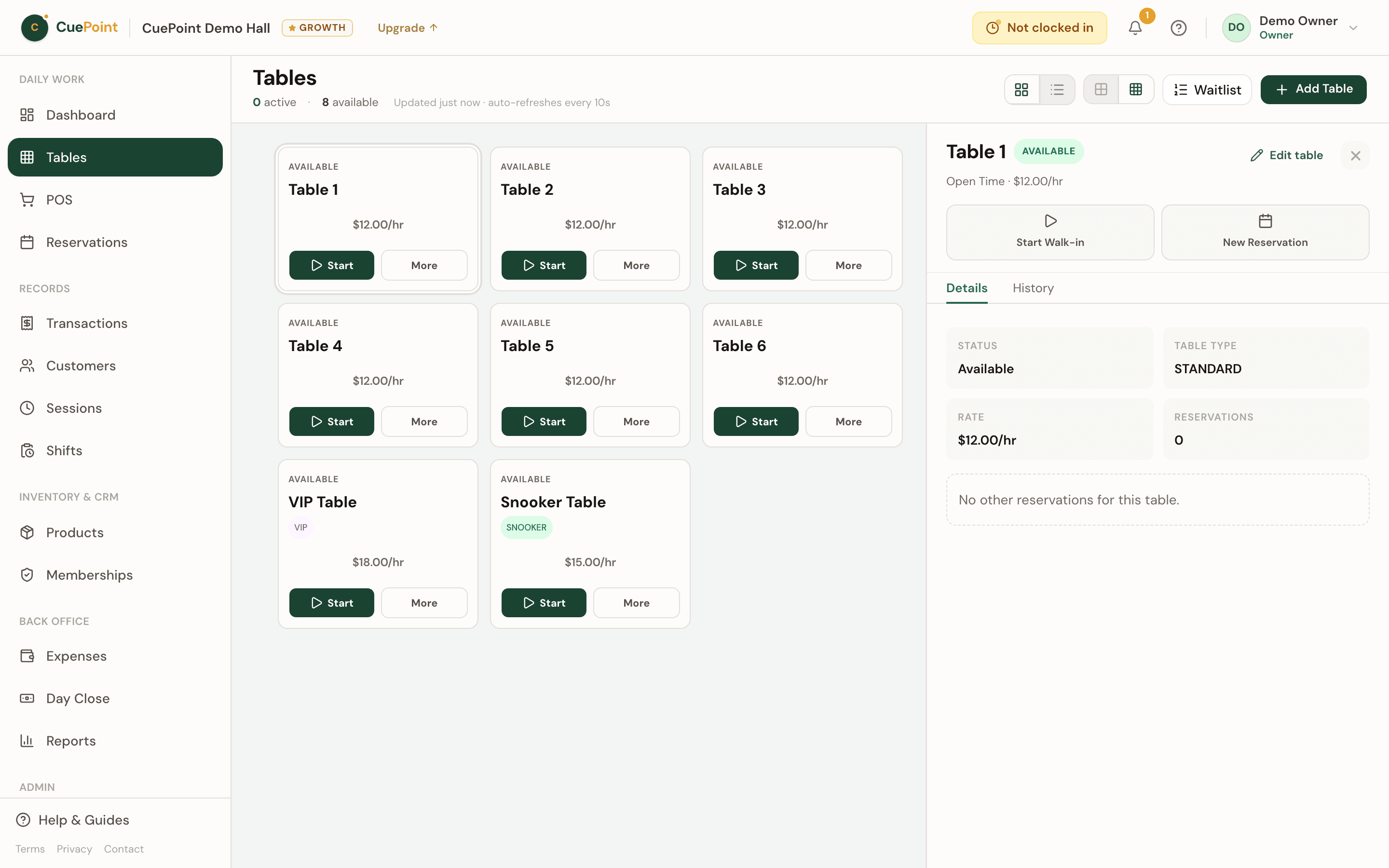
CuePoint QR ordering is tied to your tables. Each table has its own QR code. When a customer scans it, they see the live menu for that table and can add order notes from their phone.
Orders arrive on the staff table screen in real time as pending QR requests. Staff confirm or reject the request before anything is added to the bill. Once confirmed, the item joins the active table session automatically, alongside table time and other POS orders.
Because QR ordering lives inside CuePoint, inventory, session billing, and checkout stay connected. The customer gets a smoother ordering experience, while staff still control what gets served and charged.
QR ordering features for billiard halls
Table-specific QR codes
Print a QR code for each table so customers always land on the right table menu.
Customer phone menu
Customers browse orderable products, add notes, and submit without downloading an app.
Real-time staff approval
Pending QR orders appear on the staff table screen for confirmation or rejection.
Confirmed orders on the bill
Approved items attach to the active table session automatically for one combined checkout.
Menu and inventory control
Choose which products are QR orderable and keep staff in the loop before service starts.
Billiard hall QR ordering FAQs
Let customers order from the table without losing staff control
Create your account, then choose Free or try Pro for 14 days.
More billiard hall software use cases
Billiard hall POS system for table time and checkout
CuePoint combines table time billing and food, drinks, and rental orders into one POS checkout screen built for billi...
Pool table time tracking software for billiard halls
CuePoint helps billiard halls track pool table time accurately, apply table rates automatically, and send final charg...
Billiard hall open tab software: park sales and settle later
Let regulars run a tab all night. CuePoint tracks every item, keeps stock accurate, and settles in one step at closin...
Billiard hall cash drawer and day close software
Open with a float, track every transaction, count the drawer, and close with the variance flagged. CuePoint replaces ...