CuePoint vs. desktop billiard hall software
Desktop billiard hall software ties your business to one computer. CuePoint runs in the cloud: any device, any location, always up to date.
Head-to-head comparison
Why desktop software holds billiard halls back
Desktop billiard hall software was the best option when internet connections were unreliable. You installed it on a PC behind the counter, trained your cashier on that machine, and hoped the hard drive didn't fail.
Today, that model creates problems. The owner can't check revenue from home. A new cashier needs access to the one licensed PC. Updates require the vendor to remote in or send a file. Multi-location chains run separate databases with no unified view. And if the PC breaks, the business runs blind until it's fixed.
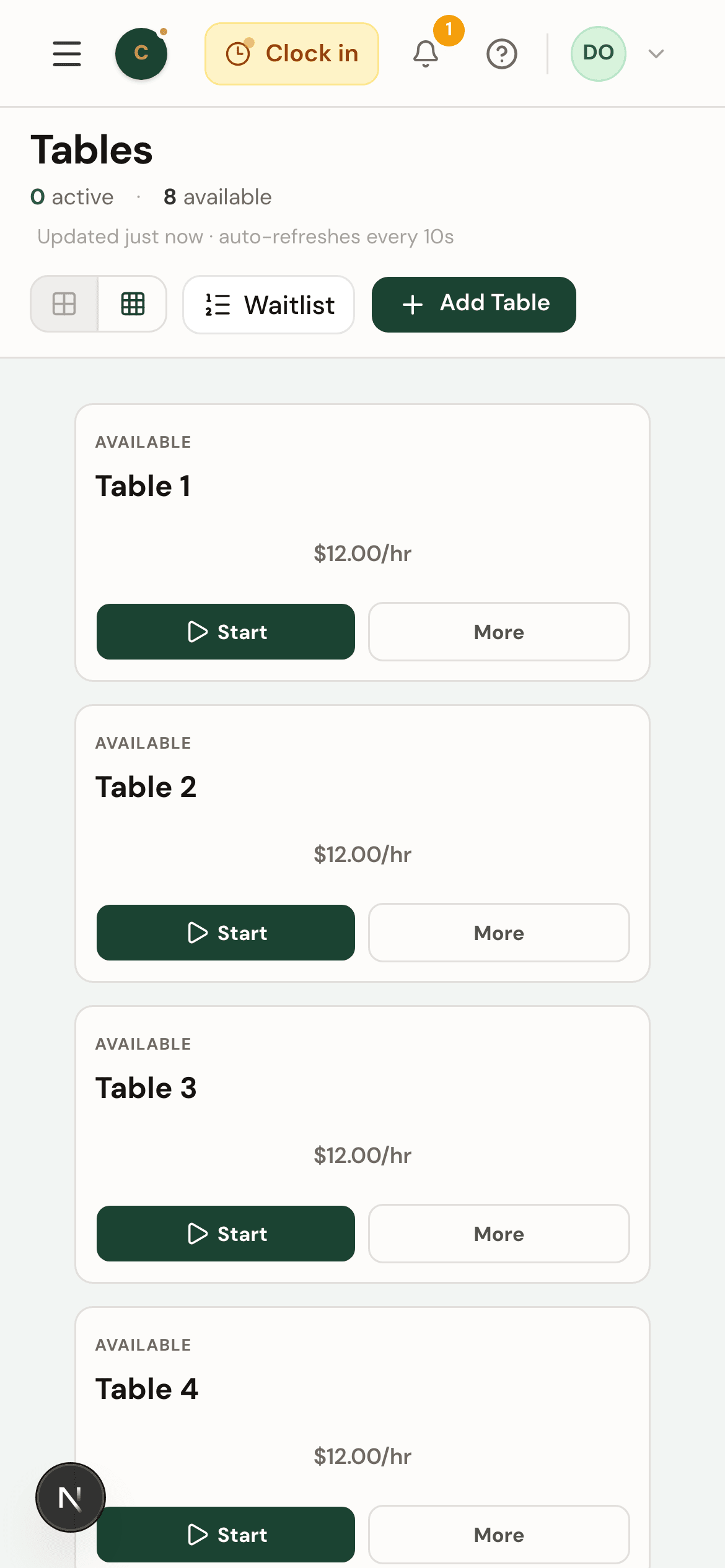
CuePoint runs in a browser. Staff open a tab and log in, on the counter PC, a tablet, or their phone. Data syncs in real time. Owners see live table status from anywhere. There's nothing to install, nothing to update, and no single point of failure.
Frequently asked questions
Is cloud-based billiard hall software slower than desktop software?
Modern cloud apps load in under two seconds on a typical connection. CuePoint runs in a browser tab: there is nothing to install, no updates to wait for, and no difference in checkout speed for staff.
What happens if the internet goes down?
CuePoint requires an internet connection to sync data. In practice, most billiard halls already depend on internet for payment terminals and security cameras. A mobile hotspot can serve as backup if the primary connection drops.
Can I access CuePoint from my phone?
Yes. CuePoint works on any device with a browser: desktop, tablet, or phone. Owners can check live table status, revenue, and reports from anywhere without installing anything.
Related comparisons
Switch to cloud-based billiard hall software
Free plan available. No installation. No credit card required.