Billiard hall reservation system for staff-managed bookings
Keep your table bookings organized so your staff always knows what’s coming. CuePoint tracks reservations alongside live sessions so staff see what’s booked, open, and occupied from one floor view.
Free plan available. No credit card required.
Why reservation notebooks cause double bookings
Most billiard halls take reservations by phone or message and write them in a notebook or whiteboard. When a customer calls to book a table for 8 PM on Friday, someone scribbles it down. Whether the next shift sees that note is a coin flip.
Double bookings happen because nobody checked the notebook. Walk-in customers get put on a table that was reserved. The reserved customer arrives and there’s no table ready. Staff scramble, customers wait, and the hall looks unprofessional.
Worse, there’s no way to see reservations and active sessions together. The notebook sits by the counter while the floor view lives in someone’s head. Staff can’t answer “is there a table free at 9?” without checking two places and doing mental math.
How CuePoint manages table reservations with live sessions
CuePoint manages reservations in the same system that tracks live sessions. When you view your floor, reserved tables are visually marked with the booking time. Staff see at a glance which tables are active, which are available, and which have upcoming reservations.
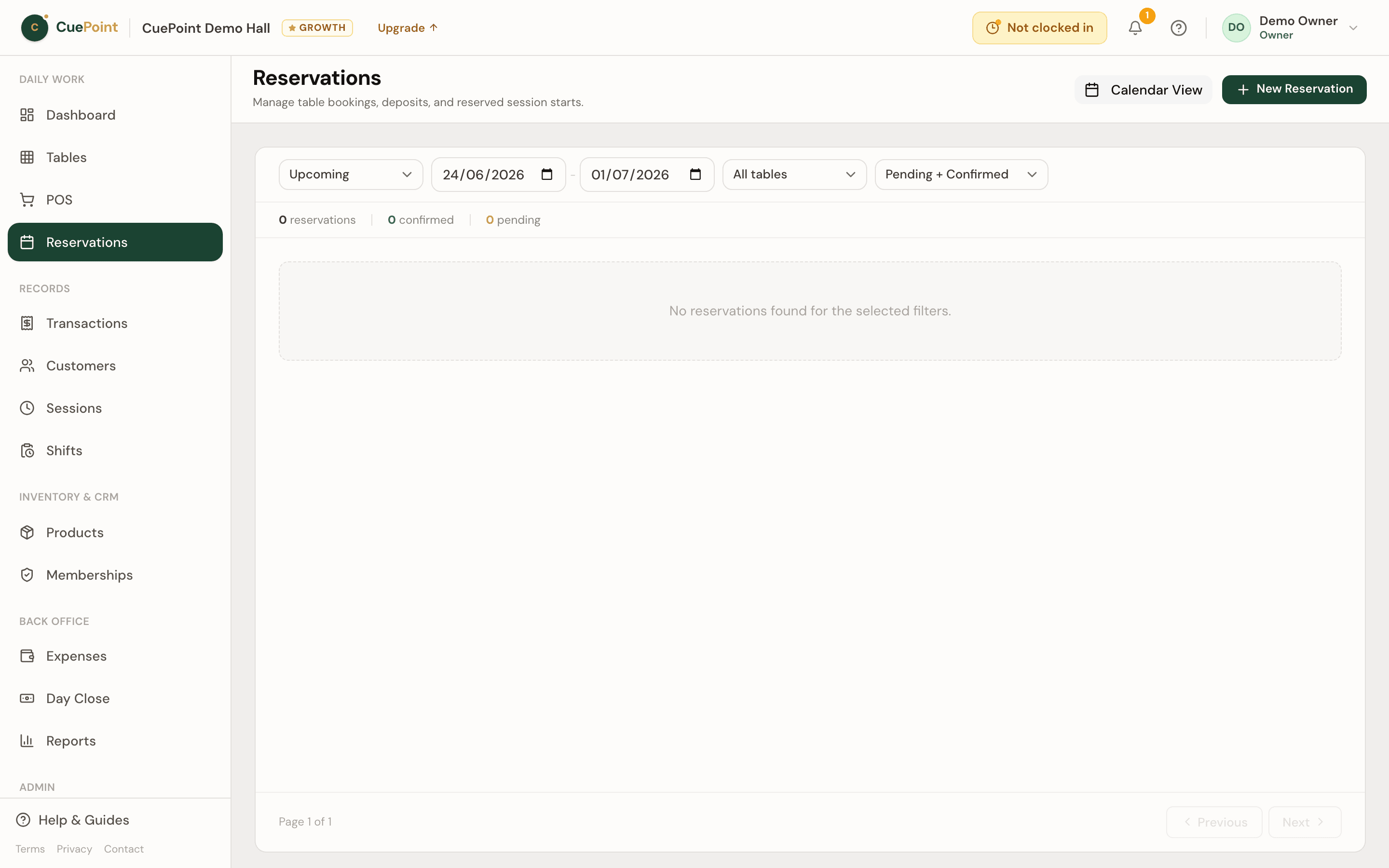
Creating a reservation takes seconds: pick a table, set the date and time, add an optional customer name and note. The reservation shows up on the floor view before and on the day. No separate notebook, no whiteboard, no forgetting.
When the reserved customer arrives, staff can start the session directly from the reservation. The transition from “reserved” to “active” is one tap. If the customer doesn’t show, staff mark the no-show; the table opens up again and the record stays for your reports.
Staff-managed billiard table booking features
Visual floor view
Reserved, active, and available tables displayed together in one view.
Quick reservation creation
Table, date, time, and optional customer details. Created in seconds.
Reservation-to-session flow
Start a session directly from a reservation with one tap.
Advance visibility
See today’s and upcoming reservations so staff can prepare tables ahead of time.
Deposits on the booking
Take a deposit when the booking is made and keep the amount, status, and payment method on the reservation.
No-shows and the waitlist
Mark no-shows so the table frees up, and keep walk-ins on the built-in waitlist until a table opens.
Billiard hall reservation system FAQs
See how CuePoint keeps your bookings organized
Create your account, then choose Free or try Pro for 14 days.
More billiard hall software use cases
Pool table time tracking software for billiard halls
CuePoint helps billiard halls track pool table time accurately, apply table rates automatically, and send final charg...
Billiard hall POS system for table time and checkout
CuePoint combines table time billing and food, drinks, and rental orders into one POS checkout screen built for billi...
Snooker club management software for tables, members, and...
CuePoint manages snooker table sessions, memberships, and checkout from one screen. Set different rates per table typ...