Billiard hall attention center: alerts for tables, tabs, and stock
CuePoint’s attention center collects every alert that needs action (overdue tables, unsettled tabs, low stock, pending reservations, an unclosed day) and links straight to the page that resolves it.
Free plan available. No credit card required.
Why billiard hall alerts get missed on busy nights
In a busy billiard hall, things that need attention don’t announce themselves. A table that’s been running three hours past its expected time sits quietly on the floor view. An open tab from lunch is still unsettled at 10 PM. Stock on your best-selling beer hit zero two hours ago, but nobody checked the inventory page.
Staff can’t watch every screen at once. When alerts live on different pages (tables on the floor view, stock on the inventory page, reservations on the calendar), things fall through the cracks. The busier the night, the more likely something gets missed.
Owners who aren’t on the floor have it worse. They open the app and have to check three or four pages to understand what needs action right now. By the time they find the problem, it’s already cost money or annoyed a customer.
How CuePoint surfaces every action item in one place
CuePoint’s attention center is a single notification hub that surfaces everything across the app that needs action. It checks for overdue tables, unsettled open tabs, low-stock products, pending reservations, and whether the previous day was closed, and presents them in one list with a direct link to each fix.
Every alert is tappable. An overdue table alert links to the floor view. A low-stock alert links to the product. An unclosed day links to the day-close page. Staff don’t have to hunt. They tap and act.
Alerts follow staff roles. Staff only see alerts they can act on: a cashier sees overdue tables and open tabs, but not owner-level alerts. Stock alerts can be snoozed if you’ve already decided to reorder, so the list stays actionable instead of noisy.
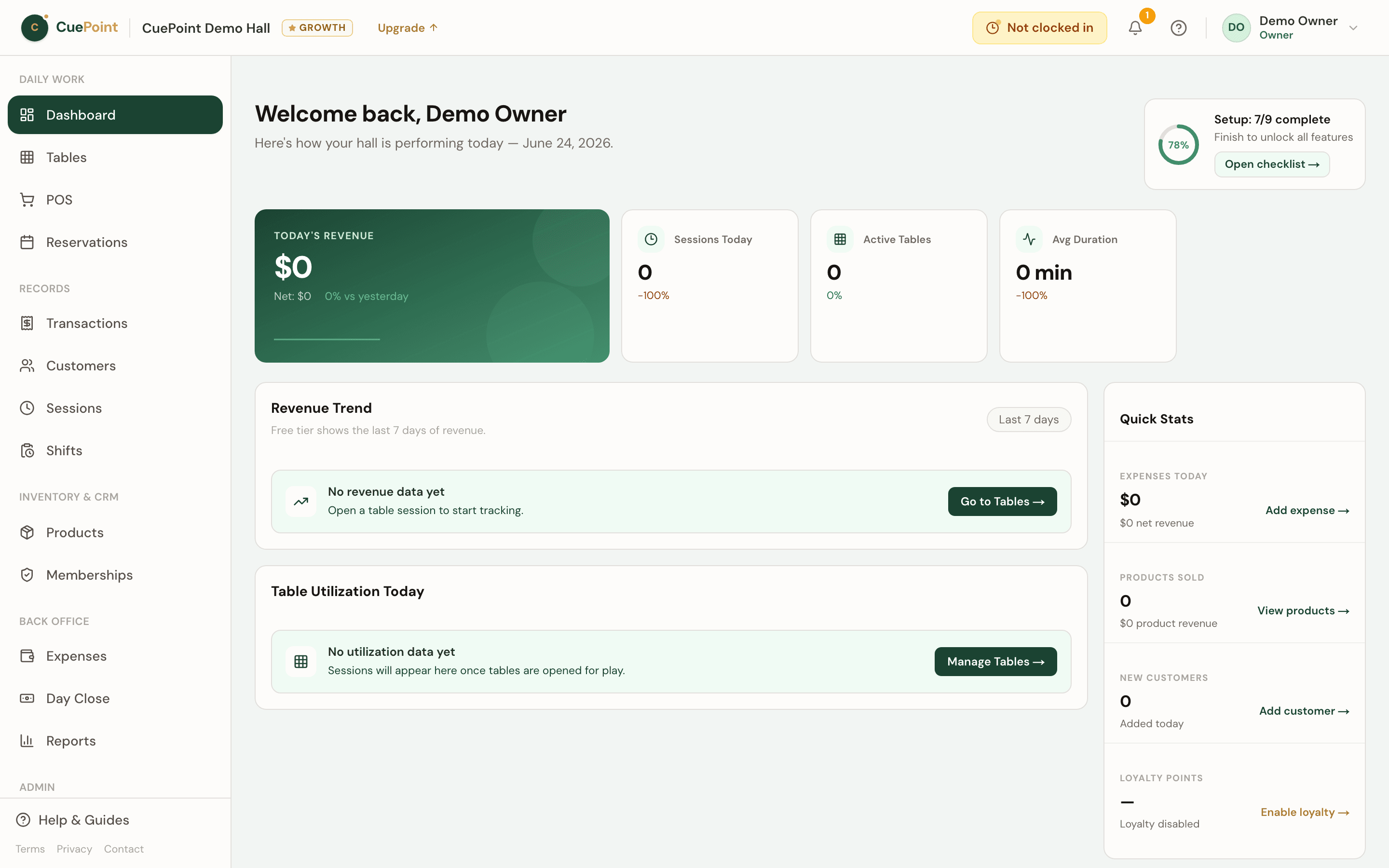
Attention center alert and notification features
Unified alert hub
Overdue tables, open tabs, low stock, pending reservations, and unclosed days, all in one place.
Direct links to action
Every alert links to the page that resolves it. No hunting through menus.
Filtered by staff role
Staff see only what they can act on. Sensitive alerts stay with managers and owners.
Snooze stock alerts
Already decided on a low-stock item? Snooze it so the list stays focused on what’s new.
Billiard hall attention center FAQs
See how CuePoint keeps your team on top of everything
Create your account, then choose Free or try Pro for 14 days.
More billiard hall software use cases
Billiard hall POS system for table time and checkout
CuePoint combines table time billing and food, drinks, and rental orders into one POS checkout screen built for billi...
Billiard hall open tab software: park sales and settle later
Let regulars run a tab all night. CuePoint tracks every item, keeps stock accurate, and settles in one step at closin...
Billiard hall cash drawer and day close software
Open with a float, track every transaction, count the drawer, and close with the variance flagged. CuePoint replaces ...
Billiard hall staff management software with roles and au...
Owner, manager, and staff roles enforced on the server, with email invites, shift clock-in, and audit history. Run yo...