Pool table reservation app: book tables and start sessions
CuePoint tracks pool table reservations alongside live sessions so your staff always knows what's booked, what's open, and what's occupied.
Free plan available. No credit card required.
Why notebook reservations cause double bookings and no-shows
Pool halls take bookings by phone, text, and walk-in, and record them in a notebook, a whiteboard, or a group chat. By Friday night, nobody's sure which bookings are real, which tables are promised, and whether the notebook from this morning still reflects the current situation.
Double bookings happen because there's no single source of truth. A customer reserves Table 5 at 8 PM, but the afternoon cashier didn't see the note. A walk-in group sits down, and when the reserved customer arrives, there's nothing ready.
Even when bookings are recorded correctly, converting a reservation to an active session is a separate manual step: the cashier looks up the note, opens the table, and hopes the rate and customer details match. There's no link between the booking and the session.
How CuePoint tracks reservations alongside live sessions
CuePoint manages reservations in the same system as live table sessions. Staff create a booking by picking a table, date, and time, with an optional customer name and deposit note. The reservation appears on the floor view so every staff member knows what's coming.
When the customer arrives, staff start the session directly from the reservation in one tap. The table transitions from 'reserved' to 'active' with the correct rate applied. No looking up notebooks, no separate step.
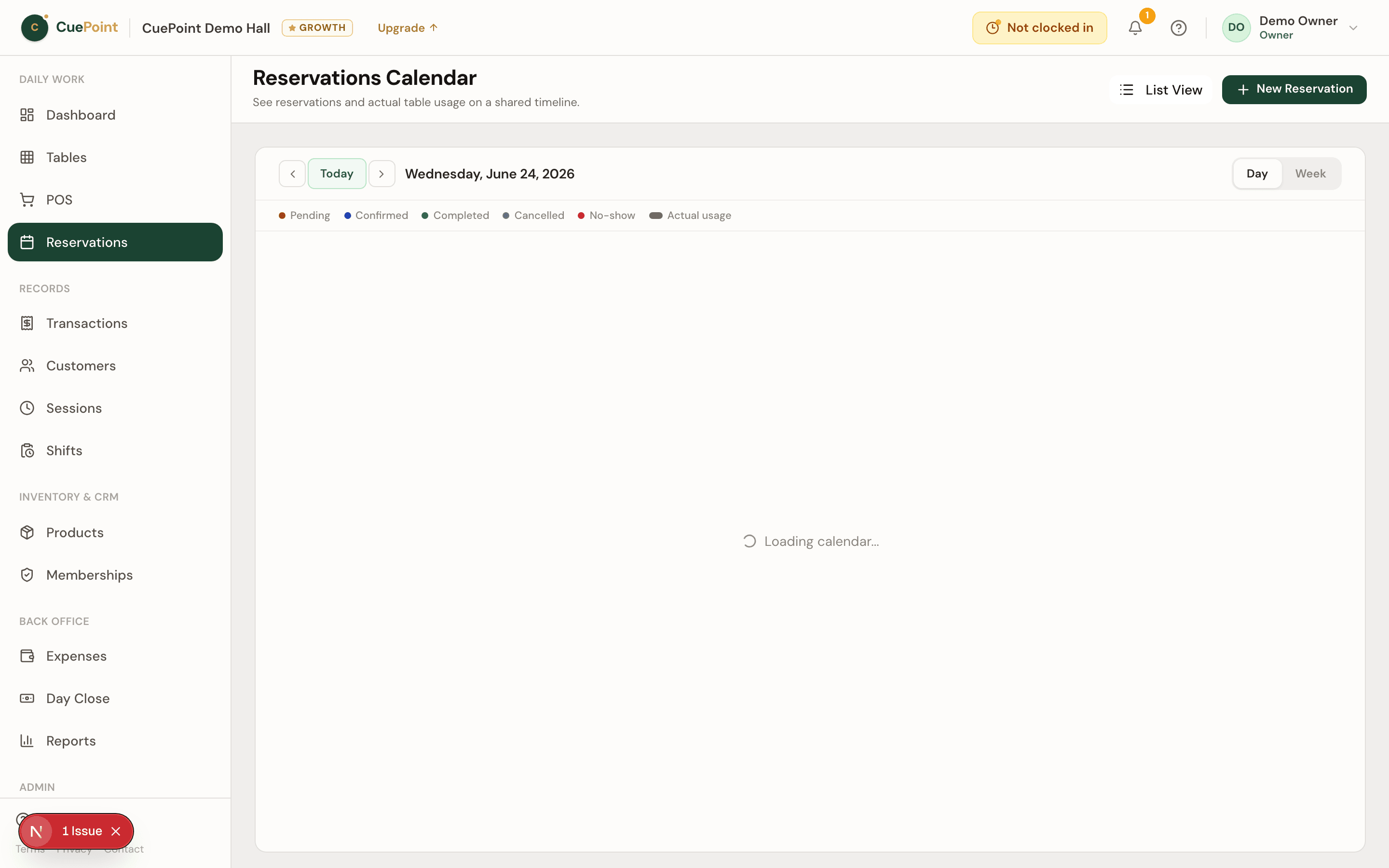
Upcoming reservations are visible on the weekly calendar view. No-shows can be marked and cleared. And because reservations and sessions share one system, the owner can later see how many bookings converted to sessions and how they affected table utilization.
Pool table booking and reservation features
Quick booking creation
Pick a table, date, time, and optional customer details. Created in seconds.
Floor view integration
Reserved tables are visually marked alongside active and available tables.
One-tap session start
Start a session directly from a reservation. No re-entering details.
Weekly calendar
See upcoming bookings for any date range, filtered by table.
Deposit tracking
Record deposit amounts, payment status, and method alongside each booking.
Pool table reservation app FAQs
See how CuePoint manages your table bookings
Create your account, then choose Free or try Pro for 14 days.
More billiard hall software use cases
Billiard hall reservation system for staff-managed bookings
Keep table bookings organized so your staff is ready before customers arrive. CuePoint manages reservations alongside...
Pool hall management software for tables, POS, and daily ...
CuePoint is pool hall software that combines table session tracking, POS checkout, reservations, and revenue reports ...
Pool table time tracking software for billiard halls
CuePoint helps billiard halls track pool table time accurately, apply table rates automatically, and send final charg...